










































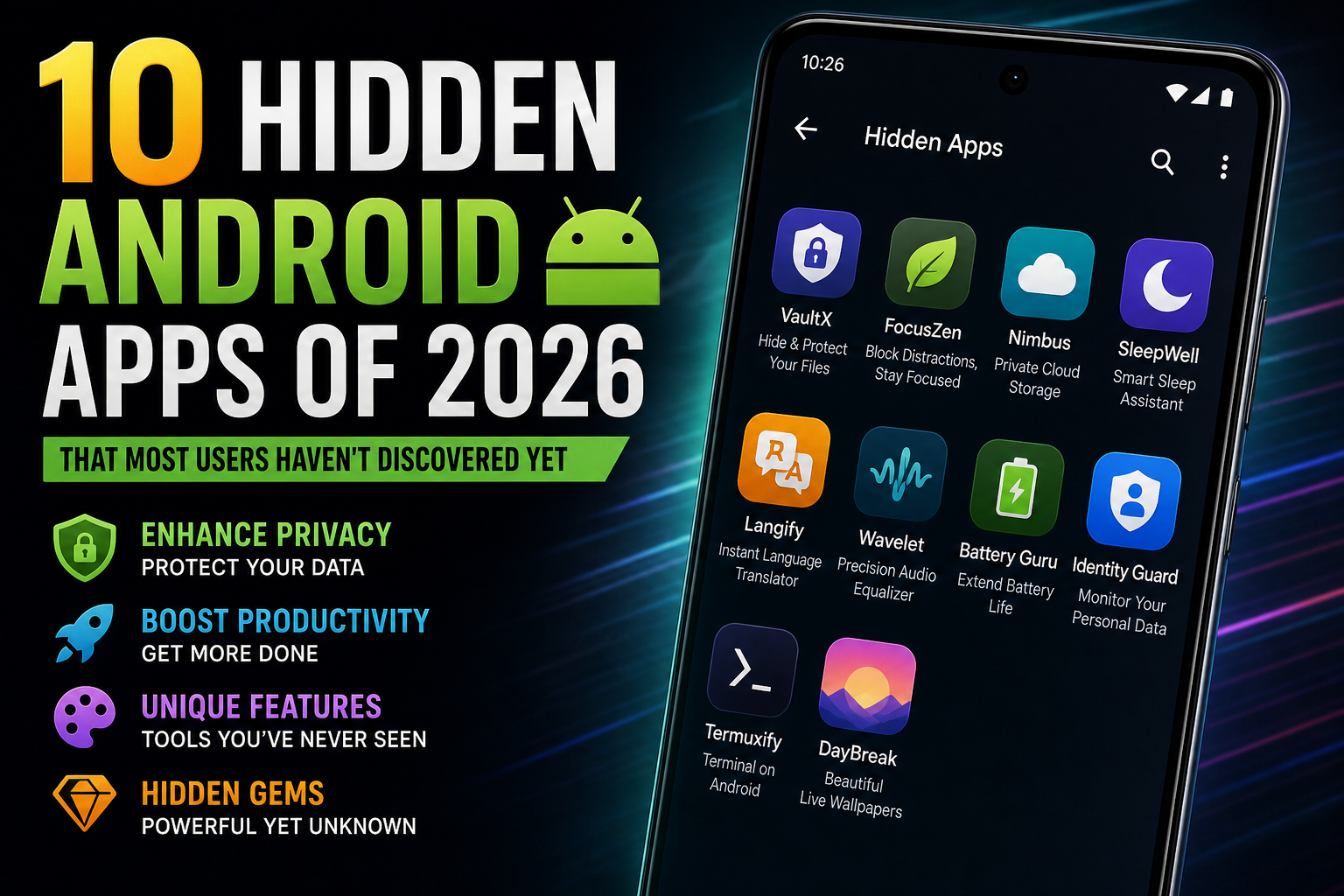
Every year, millions of people install the same fifty apps and call it a phone. Meanwhile, a quieter layer of Android exists beneath the top charts — tools built by small teams and open-source communities, solving problems most users don’t even know have solutions. None of these apps will appear in the Play Store’s trending tab. Some won’t appear in the Play Store at all.
This list is the under-the-radar layer, surfaced from current coverage and open-source communities in 2026. Each entry solves one real pain point, and each one is honest about its catch. If this is your first time digging past the charts, our roundup of the free productivity apps actually worth testing is a good companion for the layer above.
10. FileTreeSize — the one that shows you what’s eating your phone
If you’ve ever wondered where your storage actually went — not “you have 3.2 GB of Other,” but which exact folders and files own your gigabytes — this is the answer.
FileTreeSize brings the Windows classic WinDirStat to Android: a visual map of your storage where the size of each box equals the size of the files inside. You see in seconds whether it’s that video folder, the chat media archive, or a single app’s cache devouring your phone. It’s free, with optional in-app purchases starting at $1.49. It’s the closest thing Android has to x-ray vision for your storage.
Who it’s for: anyone whose phone runs out of space and can’t say why.
9. Musicolet — the offline music player for people who own their music
If you still have a music library you actually downloaded — and you’re tired of players that push subscriptions or lose your place — Musicolet is a relic in the best sense.
It’s lightweight, ad-free, and it does one thing properly: play the audio files on your device. Its standout feature is support for multiple queues, so you can keep several playlists in progress at once without losing your place. There’s a robust equalizer, a tag editor, and gapless playback for the purists.
Who it’s for: audiophiles and anyone keeping a personal library alive against the streaming tide.
8. Inware — the spec sheet your phone keeps hiding
If you’ve ever wanted to know the real specs of your device — the display panel, the battery health, the sensors, the actual chipset details — Inware pulls them all from your system and lays them out cleanly.
Where other device-info apps drown you in jargon, Inware is fast and readable. It’s the kind of tool you install once and forget — until a friend insists their phone is faster than yours and you need receipts.
Who it’s for: the person who likes knowing exactly what they’re carrying.
7. NetGuard — the firewall that doesn’t need root
If you’ve ever distrusted an app but had to keep it installed — that app that demands location, hogs data, or phones home with analytics you can’t stand — NetGuard lets you cut its network access with a single switch.
It’s an open-source, per-app firewall that works without root, using Android’s VPN slot to filter traffic. Want the banking app to work but block it from phoning home? Done. The catch is honest: because it uses the VPN slot, it may conflict with actual VPN apps, and heavy filtering can affect battery.
Who it’s for: people who keep a few necessary apps they don’t entirely trust.
6. NewPipe — YouTube without the YouTube app
If you’ve ever wanted background playback — the app stops the moment you switch away, the ads are endless, and the whole thing demands an account — NewPipe is the escape hatch.
NewPipe is an open-source YouTube client that streams and downloads without Google Play Services or an account, and it plays audio in the background as it should. It lives on F-Droid, not the Play Store, and its honest catch is that it can break when YouTube changes its plumbing. Use it to watch and listen to content you’re entitled to — it’s a client, not a license.
Who it’s for: anyone who wants YouTube’s content without YouTube’s app.
5. Organic Maps — navigation that doesn’t watch you
If you’ve ever been creeped out by location history — Google Maps remembering everywhere you’ve been — Organic Maps is navigation with amnesia.
It’s a free, open-source maps app built on OpenStreetMap data that works fully offline: download the regions you need, and navigate with no account, no ads, and no telemetry. The honest trade-offs: no live traffic like Google, and map data can be thinner in rural areas.
Who it’s for: travelers, privacy-uneasy drivers, and anyone who’s ever watched their location history with regret.
4. Aegis Authenticator — 2FA that stays in your pocket
If you’ve ever had your authenticator codes in the cloud — and wondered why your second factor was sitting on a server — Aegis fixes the logic.
Aegis is an open-source authenticator that stores your two-factor codes fully offline, with optional biometric lock and encrypted backups. No cloud sync, by design. The catch is the same feature: because it never syncs, you must back up your codes yourself — losing the backup means losing access.
Who it’s for: anyone who takes account security seriously enough to distrust the default options.
3. Mako — the launcher that resurrects old phones
If you’ve got an old Android gathering dust — too slow for modern launchers, too cluttered for daily use — Mako is the lightest meaningful change you can make to it.
Mako is a free, open-source, minimalist launcher that lists your apps plainly, lets you group and collapse them, and eats almost nothing — little storage, even less RAM. It was designed, essentially, to give aging devices a second wind. If your old phone just needs to be simple and fast again, this is the app.
Who it’s for: older-device owners and anyone who finds launchers too heavy.
2. Termux — a Linux terminal in your pocket
If you’ve ever wanted to run real commands on your phone — SSH into a server, run scripts, use command-line tools — Termux turns Android into a Linux terminal without rooting anything.
It’s free, open-source, and its package manager gives you access to a vast library of Linux tools. You can manage servers from your phone, automate tasks, or just learn the command line on a device you already own. It’s the definition of a power-user hidden gem.
Who it’s for: developers, tinkerers, and anyone who’s ever missed a terminal on mobile.
1. Finch — the self-care app disguised as a pet
If you’ve ever failed every habit-tracking app — because they all demand discipline you don’t have — Finch takes the opposite approach: it bribes you with a tiny bird.
You set real-world goals — drink water, walk, journal, breathe — and completing them lets your little pet grow, explore, and unlock new items. It adds guided breathing exercises, journaling prompts, and mood tracking, all wrapped in a warm, low-pressure design. It’s genuinely a hidden gem for anyone who needs wellness to feel like a game instead of a chore.
Who it’s for: the person who’s tried “serious” habit apps and quietly hated them all.
How to find the next ones yourself
The ten apps above share a pattern, and knowing the pattern is worth more than the list. The hidden layer lives in three places:
- F-Droid — the open-source store where most of these tools first appear. Everything there is free, built from source, and free of trackers.
- Curated monthly roundups — sites like Android Authority publish a short list of genuinely new apps every month; that’s where tools like Mako and FileTreeSize surfaced.
- Reddit’s r/androidapps and similar communities — the enthusiasts who actually live on the bleeding edge. Ask for a “hidden gem for X” and you’ll get answers no algorithm would surface.
One rule applies to all of it: trusted sources only. Download from the Play Store, F-Droid, or official project pages — never random APK sites. Check permissions before installing, and be suspicious of any hidden gem that asks for more access than its job requires — the security habits that matter more than any single app are the ones that keep this entire discovery process safe. The best-hidden apps ask for almost nothing, which is exactly why they stay hidden.
The deeper point: the app store isn’t a flat list of everything Android has to offer. It’s a recommendation engine for the top fifty. The real ecosystem — thousands of tools built by people who cared enough to solve a specific problem — sits just beneath the surface, waiting for someone curious enough to dig. Now you know where the shovel is. And if you want the complete picture of what belongs on any well-set-up phone, the must-have Android apps for 2026 fills in the rest of the home screen.

Independent technology writer focused on artificial intelligence, emerging technologies, and digital innovation. Covers AI applications in sports, productivity, and online business.



