










































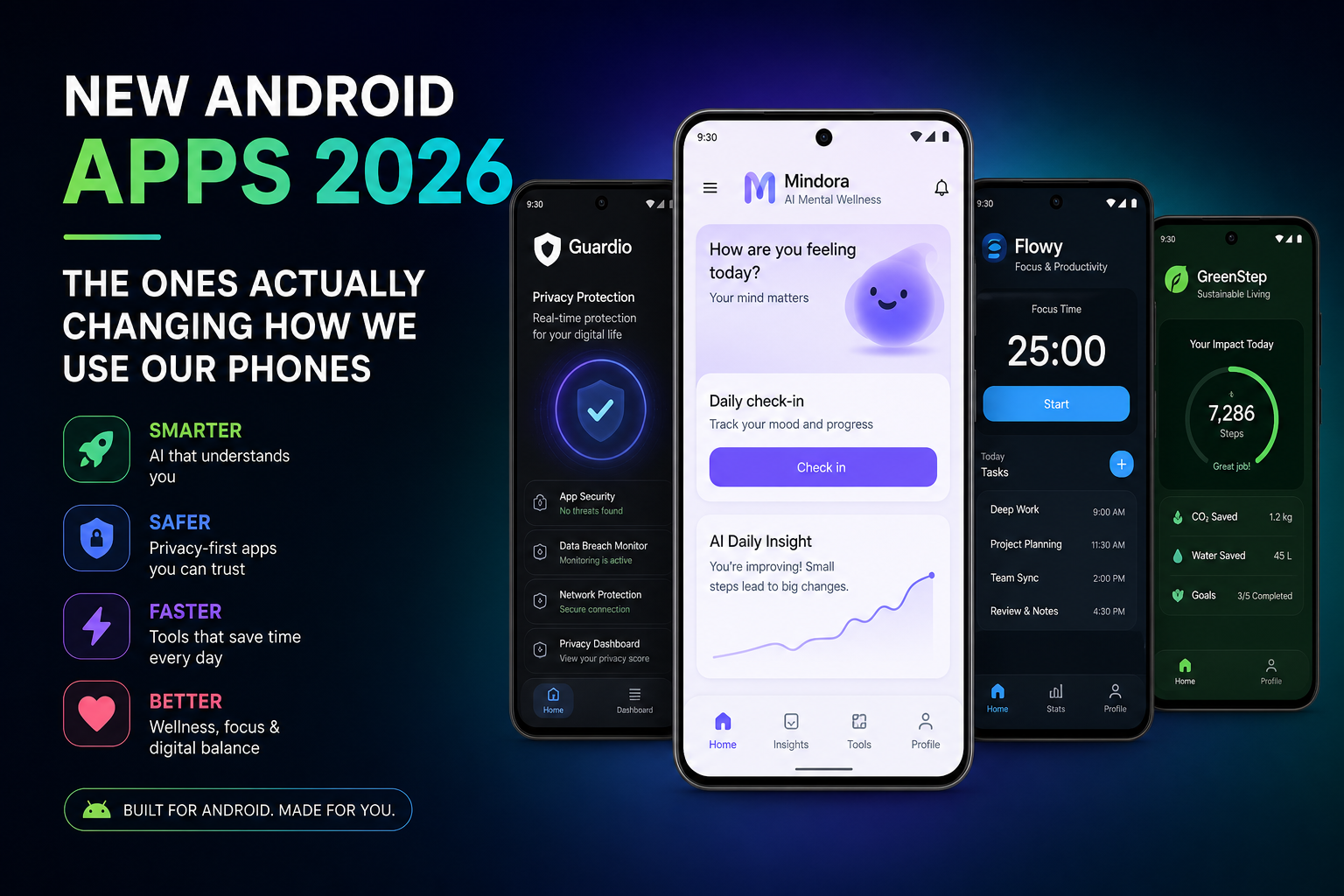
Somewhere in the past year, the Android phone stopped being a drawer of apps and started becoming something else. The most interesting apps of 2026 aren’t the best versions of last year’s categories. They’re the ones that quietly renegotiate the contract between you and the device in your pocket — changing what the phone does, who it reports to, and what you’re even doing when you pick it up.
Three shifts define the moment. Each one is worth understanding before you install anything.
Shift One: The phone stops waiting for you to open apps
The first shift is the oldest habit being broken: the ritual of opening an app to do one task. Google spent 2026 pushing Android in a direction its own developers call the “intelligent OS” — where the center of the phone is no longer a grid of icons but an assistant that acts on your behalf. The mechanics were announced early in the year with AppFunctions, a new Android capability that lets apps expose their features directly to AI agents. Instead of a model like Gemini reading your screen and guessing, apps now describe their own capabilities, and the assistant calls them directly — as if each app grew a hand it could shake.
That changes how you use a phone in a way that’s hard to overstate. You stop navigating menus and start stating intentions. The phone becomes less a collection of tools and more a single operator that happens to hold them all.
The clearest concrete arrival of this idea is OpenClaw, which landed its official Android app in late June 2026. OpenClaw is the open-source assistant that doesn’t just answer — it controls the devices and services plugged into your own gateway, and the Android app brings that control into your palm, free. It’s early, and the buzz has cooled from its launch peak, but it matters because it’s the first mainstream test of a phone that commands your home, your files, and your accounts rather than merely replying to you.
Around it, the assistant layer is settling into two shapes. The default, system-level assistant — Google’s Gemini, which has now replaced Google Assistant as the long-press-and-speak layer on most devices — and the standalone AI apps you open like any other: ChatGPT, Claude, Copilot, Perplexity. That split is worth knowing, because your “AI app” and your “phone assistant” are increasingly different things with different access to your device.
The practical shift: in 2026 you’ll measure a phone by how much it does for you, not by how many apps it holds. For a fuller map of the apps still worth keeping around, our guide to the must-have Android apps of 2026 is a good companion.
Shift Two: The phone starts defending you
The second shift is quieter and arguably more important: the phone has begun protecting its owner from the apps on it.
Android 17 arrived in June 2026, and the security updates rolling through it are not the usual chore list. Live Threat Detection now runs on-device AI that watches what apps actually do — and it’s been expanded to catch the tricks scammers use, like an app silently forwarding your SMS messages to another number, or one abusing the accessibility permission to draw invisible content on top of your screen to trick you into taps you didn’t intend.
That matters because the threat model has changed. The riskiest software on your phone is no longer “malware” in the classic sense; it’s legitimate-looking apps behaving badly, and the scam economy now runs through them. Google’s response is Advanced Protection — a single toggle that turns on the strongest anti-fraud and anti-spyware protections — which in 2026 gained Intrusion Logging, built in partnership with Amnesty International and Reporters Without Borders, a forensic record that helps determine whether your device was actually compromised. The list of partners tells you how serious the category became.
There’s also a subtler redesign of consent. The phone now shows you a live indicator whenever an app reads your location, letting you tap it and see exactly which apps accessed it recently and revoke them on the spot. And there’s a new contact picker: instead of granting an app your entire address book to “connect you with a friend,” you can grant access to one specific contact, temporarily. Small features, large philosophical shift — from apps asking for everything to the phone asking why.
The defensive shift has an open-source flank too. Apps like Shots Studio (a free, ad-free recording and sound-capture app on F-Droid) represent a small but growing counter-movement of tools that ask for nothing and report to no one. If you’re reorganizing your phone’s security posture this year, the practical layer is worth a dedicated pass — our Android security tips actually worth following in 2026 covers the habits that matter more than any single app.
Shift Three: The phone starts understanding the physical world
The third shift is the one that feels most like science fiction and is moving fastest: the phone is learning to see, hear, and understand the world around it — on the device itself, not in some distant data center.
At the Android Show this year, Google pushed Android XR — glasses that put an assistant in front of your eyes rather than behind a screen. The moment when a phone’s interface stops being a rectangle you hold and becomes a layer over reality is closer than it has ever been, and Android is betting on it.
But the ambient shift doesn’t require new hardware. It’s happening on the phone you already own, through on-device AI. Google Recorder transcribes speech locally, turning any meeting into searchable text without the audio leaving your device. Photo apps are moving the same direction — AI Edge Gallery organizes your photos with on-device intelligence, grouping faces and places and even suggesting edits, all without uploading your library.
This is the direction that matters most for privacy: the model comes to your data instead of your data going to the model. The phone keeps getting smarter at the exact moment it’s getting better at keeping your life to itself.
What’s worth installing, honestly
Strip away the shift-talk and a clear shortlist emerges for a 2026 phone:
- Gemini — because it’s no longer an optional AI app; it’s the operating layer of the device.
- OpenClaw — if you like the idea of a personal gateway you actually control, it’s the most interesting free experiment of the year.
- One solid standalone AI app — ChatGPT, Claude, or Perplexity, whichever fits your work — for the tasks the phone assistant shouldn’t touch.
- Advanced Protection switched on, and a few minutes in Settings to review which apps still hold location and contact access.
- If you want to automate rather than be automated: Tasker remains the undisputed king of Android automation, and nothing in the agentic future has replaced raw control.
The honest caveat applies to all of it: agentic phones are early, and early means rough edges. Delegating real tasks to an assistant that sometimes misunderstands is a trust you build gradually, not a switch you flip. Start with low-stakes delegation — scheduling, reminders, research — and watch what it does before you let it anywhere near your money.
The point of it all
Three shifts, one direction: the phone is becoming an agent, a defender, and a pair of eyes on the world — and in all three roles, it’s doing more with your data while keeping more of it from the cloud. The apps that define 2026 aren’t the flashiest or the most downloaded. They’re the ones that changed what you trust the machine in your pocket to do on its own.
That’s the real measure of a “new” app this year: not whether it’s new, but whether it changed the contract.

Independent technology writer focused on artificial intelligence, emerging technologies, and digital innovation. Covers AI applications in sports, productivity, and online business.



