










































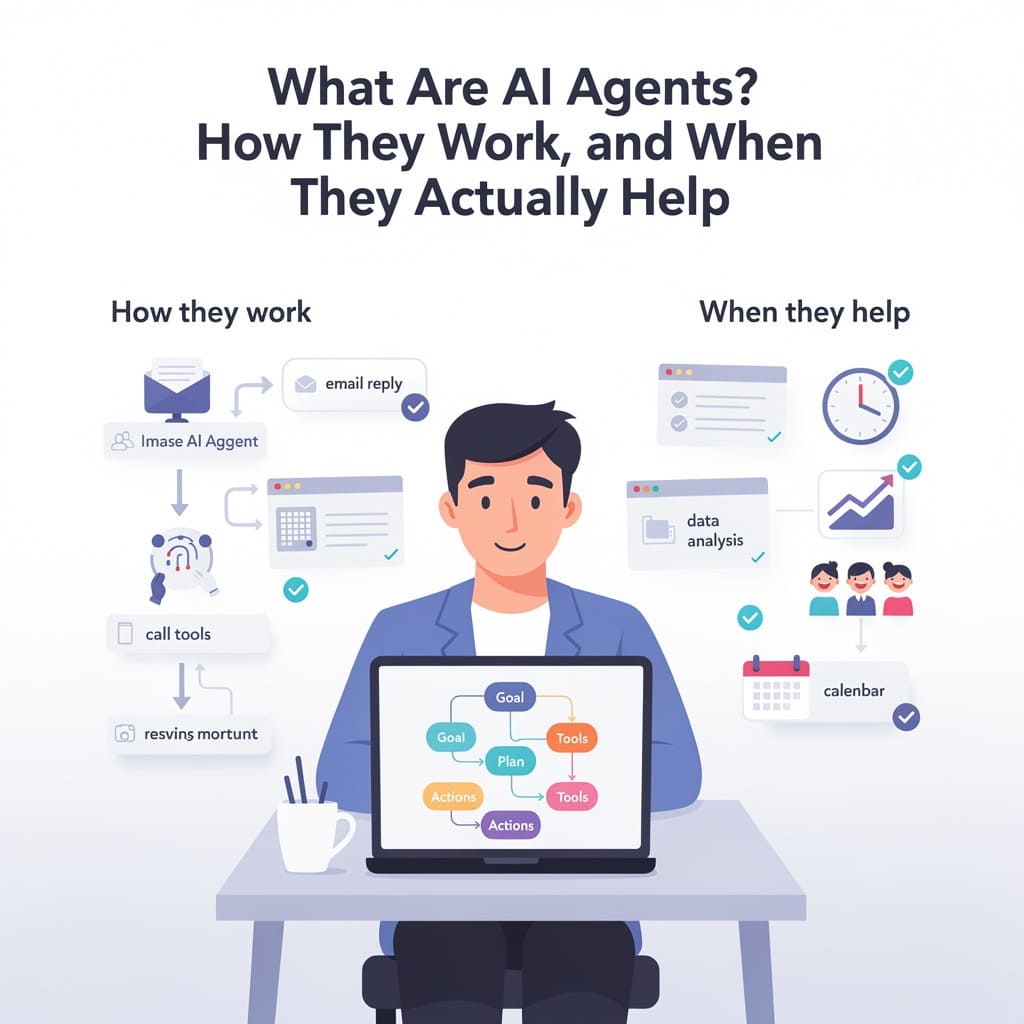
Short version: an AI agent is a system built around a large language model that doesn’t just answer a question it works toward a goal. It plans a few steps, calls tools (APIs, search, code, databases) to act on the world, looks at the results, and keeps iterating until the job is done or it stops. The catch: it works only as well as the controls, permissions, and honest expectations built around it.
If you have used a chatbot, an agent feels familiar at first, and that similarity is exactly what confuses people. The rest of this guide explains the difference, what is actually inside an agent, how one completes a task, where they genuinely help in 2026, and where the hype outruns the reality.
What actually counts as an “AI agent”?
There is no single accepted definition, but the technical community converges on a practical one. An agent is a language-model-powered system that is stateful, tool-enabled, and goal-directed. It maintains state across turns, it can call external tools, and it runs a loop: reason, act, observe, repeat.
A chatbot does none of those things by default. The differences matter more than the shared model underneath:
| Chatbot | AI agent | |
|---|---|---|
| State | Stateless — each answer resets | Stateful — remembers across steps |
| Task scope | Single-turn Q&A | Multi-step, sometimes multi-session |
| Tool access | None (text only) | APIs, code, databases, browsers |
| Planning loop | None | Reason-and-act loop (e.g., ReAct) |
| Failure behavior | New answer per question | Retries, corrects, or asks for help |
If you are new to the terms behind these systems, the site’s glossary of common AI terms is a useful place to start, and this guide to AI chatbots in 2026 explains what the generation before agents can and cannot do.
The five building blocks
Production agents are almost always assembled from the same five components. Knowing them makes every agent demo much easier to evaluate, because you can see which piece is doing the work.
1. The reasoning model. Usually a frontier LLM. It decides what the next step should be. In architecture terms, the model reasons one step at a time but does not itself drive the workflow — the surrounding system controls that. That separation is why you can swap the model inside an agent without rebuilding the system around it.
2. Tools. Anything the agent can act on: an API, a database query, a shell command, a web search, a file operation. This is where agents stop being talk. When a model “calls a tool,” it outputs a structured request (typically JSON: tool name plus arguments). The runtime validates that request, executes it for real, and returns the result to the model. If you want to understand the plumbing of a single prompt before getting into agents, read what actually happens when you send a prompt to an AI.
3. Memory. Two different things share the name. Short-term memory is the working context accumulated during the task. Long-term memory is knowledge the agent stores and retrieves later — semantic memory (facts), episodic memory (past events and sessions), and procedural memory (how to do things). It is not one database; it is a layer of several storage systems plus the retrieval logic around them.
4. Orchestration. The layer that decides which step runs when, routes outputs, holds intermediate state, and handles failures. It is what turns isolated model calls into a workflow. Simple agents run one reasoning loop; larger systems coordinate multiple specialized agents.
5. Runtime controls and guardrails. Permission rules, approval gates, timeouts, sandboxes, and audit trails. This is the part vendors talk about least and the part that determines whether an agent is safe to point at anything real. The model proposes actions; the runtime decides whether they are allowed.
None of this requires the agent to be intelligent in a human sense. The loop, the tools, and the permissions do the work; the model just contributes reasoning one step at a time.
How an agent completes a task, step by step
Consider a concrete example: an agent told to “find the cheapest available insurance quote for this profile and draft a summary.”
- The agent breaks the goal into a plan: search the aggregator APIs, filter current offers, read the fine print of three candidates, summarize the trade-offs.
- It calls the first tool (the aggregator API), passing the profile.
- The runtime executes the call and returns results — validation of arguments happens here, not inside the model.
- The agent reads the results, updates its working state, and decides the next call.
- It iterates until the summary is drafted — or until it hits a permission boundary, a timeout, or a result that fails validation, at which point it stops and explains what it could not do.
Two patterns dominate how this loop is built. ReAct alternates reasoning and acting continuously, which suits unpredictable tasks. Plan-and-Execute writes the full plan first and then executes, which suits long tasks with predictable subtasks and cuts latency because independent steps can run in parallel.
That example is not aspirational. The same loop is what the agentic workflows described on this site actually run — whether they are Claude-based productivity workflows, a data scientist built on Claude’s Skills, or the agents reshaping financial services in 2026.
One agent or many?
As tasks grow, a single agent usually hits its limits: one context window, one set of tools, one attention span. The common answer is orchestration patterns:
- Orchestrator–worker: a central agent decomposes the goal and delegates subtasks to specialist agents, then assembles the results.
- Hierarchical: a lead agent assigns subtasks to sub-agents, which can themselves delegate.
- Peer-to-peer: agents negotiate directly with one another.
The Microsoft pattern documentation and architectural guides describe a consistent rule of thumb: up to roughly 20 tools or agents, plain function calling is simpler and better. Orchestration only earns its complexity when the task genuinely needs role-separated specialists.
Two open protocols do most of the connecting work in 2026. MCP (Model Context Protocol) standardizes how agents talk to tools and data sources — Anthropic created it, described it as “a USB-C port for AI applications,” and it now operates as an open standard hosted under the Linux Foundation’s Agentic AI Foundation. A2A (Agent2Agent), contributed by Google, standardizes how agents talk to each other. If an agent is tied to vendor-specific plumbing, check whether it supports these protocols before committing to it.
Where agents are actually working in 2026
The honest answer is: in narrow, well-defined lanes, and it is going far better than the hype suggests in some, far worse in others.
- Coding agents are the most mature case. Claude Code and OpenAI’s Codex-class tools run as terminal agents that read a repository, plan, edit files, execute tests, and fix their own failures. The market for enterprise coding agents was estimated at roughly $10 billion annualized by April 2026, per Gartner’s market guide — and this site’s own field notes on terminal-based coding agents capture what the demos rarely show.
- Customer support is the most common enterprise entry point — agents deflect and resolve the routine tier-one tickets.
- Finance runs agents for reconciliation, monitoring, and report generation, an area this site covers in detail in its practical guide to AI agents in financial services.
- Consumer products are arriving faster than enterprise systems: assistant-style agents that hold state across sessions and act on your behalf when you hand them permissions. Google’s Remy agent for Gemini is a useful example of the “do it for me, but I control it” model.
The distinguishing factor in 2026 is that the winning implementations deliberately limit how much the agent can do alone. The teams succeeding are the ones assigning agents specific responsibilities with clear rules and approval boundaries — not the ones chasing full autonomy.
The gap between promise and reality
The numbers deserve a skeptical read because they travel through the press in distorted forms. Here is what the primary sources actually say:
- Gartner forecast in August 2025 that 40% of enterprise applications would feature task-specific AI agents by the end of 2026, up from less than 5% in 2025. That is a forecast about software vendors adding agent features, not a measurement of production use.
- Gartner’s 2026 CIO survey found only 17% of organizations have deployed AI agents so far, while more than 60% expect to deploy within two years. The same analysis places agentic AI at the peak of inflated expectations.
- Executive surveys consistently find a wide gap between adoption and production. PwC reported roughly 79% of executives saying they adopted AI agents, but only about 35% adopting broadly. Capgemini found only single-digit percentages deployed at scale. The pattern is real: everyone is experimenting, few have produced.
- Gartner warned in 2026 that more than 40% of active agentic AI projects risk cancellation because of escalating costs, unclear business value, or inadequate risk controls. Relatedly, Gartner has said that of the thousands of products sold under the “agentic AI” label, only around 130 actually have real autonomous capability underneath — the rest are automation or chatbots repackaged.
Read those together and a coherent picture emerges: capability is real, control is not keeping pace, and a meaningful share of projects will fail for business reasons, not model reasons.
When an agent is worth building — and when it is not
Roughly speaking, the matching goes like this:
Worth building an agent when:
- The task has multiple steps with dependencies.
- It touches external systems (databases, APIs, files) that the output must reflect.
- The steps change based on intermediate results.
- A human approval point every few steps is acceptable.
Skip the agent when:
- The task is a single question → use a plain model call.
- The process is fixed and predictable → a traditional automation script is cheaper and more reliable.
- The cost of a wrong action is high and hard to verify → wait until you can add controls you trust.
Real-world failures follow the same script: ambitious autonomy, integration complexity within weeks, then a stall. Design around the failure mode — start narrow, put limits on what the agent can do alone, and add the hidden costs of running AI on business workflows into the budget from day one.
Risks to keep in mind
- Costs compound. Each step is a model call. A “small” task can burn dozens of calls, and long tasks inflate context windows. There are already published analyses of when AI agents stop being cheaper than the humans they replace.
- Permissions are the real safety boundary. The model proposes; the runtime should approve. An agent with broad credentials is one prompt-injection away from acting on them. The infrastructure question — including the GPU and hardware reality behind agent workloads — matters more than the model choice.
- Hallucination doesn’t disappear. Agents confidently acting on a wrong guess is worse than a chatbot being confidently wrong, because the agent already took actions. The limits of AI’s common sense are a practical constraint here, not a philosophical one.
- Measurable value must be defined before building. “Agent that does X” without a baseline and a metric is how the 40% cancellation forecast comes true.
FAQ
Is an AI agent the same as ChatGPT/Claude with tools? Not exactly. Consumer assistants are evolving into agents, but “agent” describes an architecture (stateful, tool-using, looped), not a product. You can build agents on top of any capable LLM with a framework or SDK.
Do I need to know how to code to use agents? To use them, no — many products ship as apps. To build or customize them, increasingly you only need to describe the goal and the tools; the bigger skill is defining permissions and verification, not code.
What are the main frameworks? The most common in 2026: the OpenAI Agents SDK, Anthropic’s Claude Agent SDK (which powers Claude Code), LangGraph, Microsoft AutoGen, CrewAI, LlamaIndex, and Google’s ADK. They differ in how much structure they impose; none is “best” outside a specific task shape.
Are agents dangerous? They are tools with permissions. The risk maps to how much access you give them and how little verification surrounds it. Guardrails, sandboxing, and human approval gates exist precisely because agents act.
Bottom line
AI agents are the most useful new software pattern of the last few years, and the most oversold at the same time. Understood correctly, they are a loop: model reasons, runtime checks, tool acts, results come back, repeat. They are worth building when a task is multi-step, stateful, and connected to real systems — and only when the controls around them match the stakes.
The most reliable way to evaluate any “agentic AI” product in 2026 is to ask three questions: what tools can it actually call, what can it do without human approval, and what happens when it fails? If the vendor cannot answer all three clearly, you are probably looking at a chatbot in a costume.

Independent technology writer focused on artificial intelligence, emerging technologies, and digital innovation. Covers AI applications in sports, productivity, and online business.



